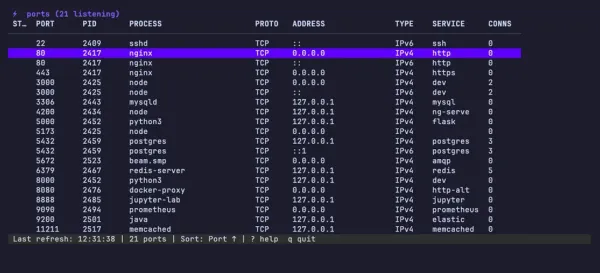
oss project
Project status: stableports
Keyboard-driven TUI for exploring listening ports on macOS and Linux.
install
$ brew install shahadulhaider/tap/ports- Go
- github.com/shahadulhaider/ports
- Homebrew
- shahadulhaider/tap/ports
- Go
- Bubble Tea
- Lip Gloss
- lsof / netstat parsing
- Live-refreshing TUI for inspecting listening TCP / UDP ports across macOS and Linux with vim-style keybindings.
- Filter, sort, kill (
SIGTERM/SIGKILL), and open processes' ports in the browser without leaving the terminal. - Service hints, TCP/UDP toggle, and process-tree context — the "what is running on port 3000" question, answered in one keystroke.
fig. 02
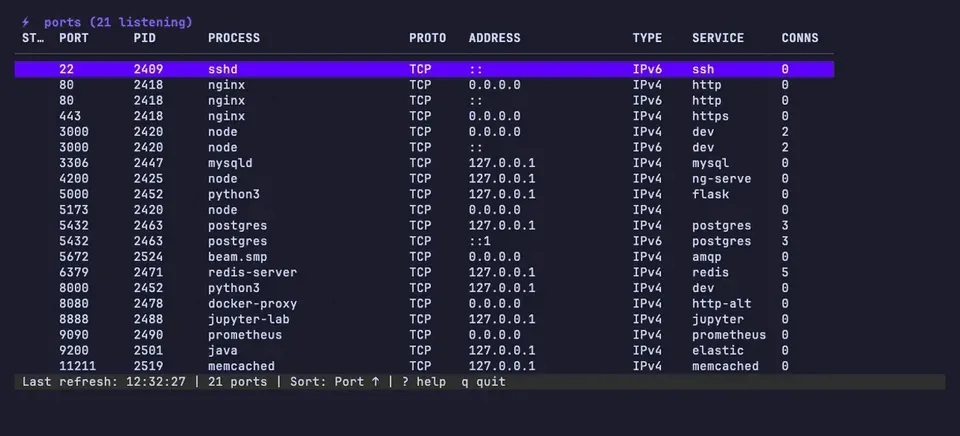
/ prompt, mid-query — the table below is already narrowed. fig. 03
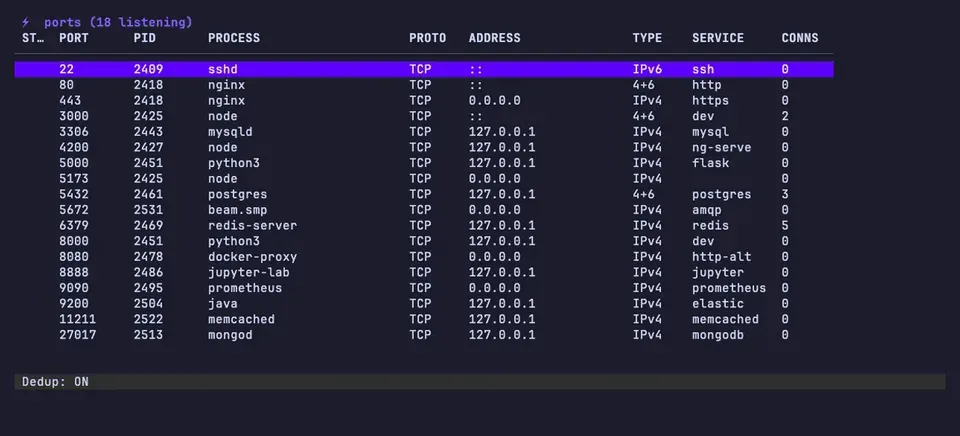
fig. 04
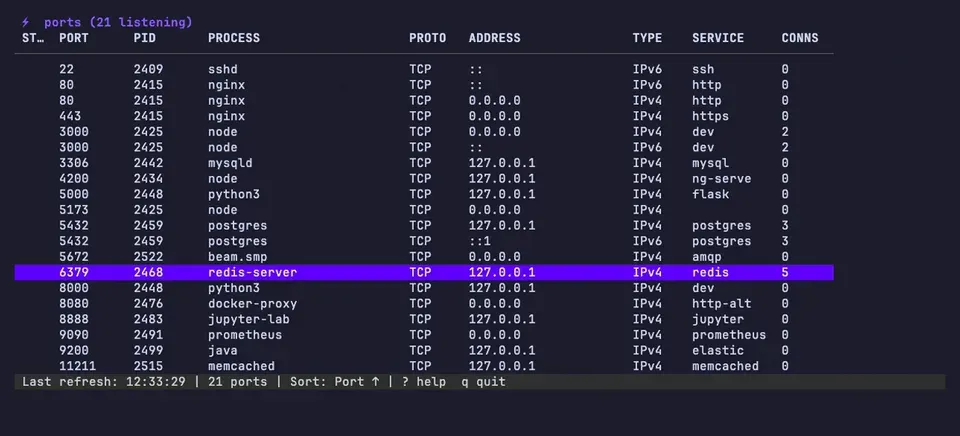
k confirmation on the selected holder — SIGTERM first, SIGKILL if it clings on. fig. 05
What it does
portsA Bubble Tea TUI listing every listening port with the process holding it. Vim-style keybindings to filter, sort, and operate on rows:
/to filter by port or process namekto kill a process (graceful, then forceful)oto open the port in the default browser (http://localhost:PORT)tto toggle TCP/UDP view- live auto-refresh
Useful when you have five dev servers running and need to find the one hogging 3000.
brew install shahadulhaider/tap/ports